

How to Protect Your Website from Cyberattacks: Essential Security Tips for Website Owners
Learn how to protect your website from hackers with essential security tips covering software updates, strong passwords, SSL, backups, firewalls and PHP security.
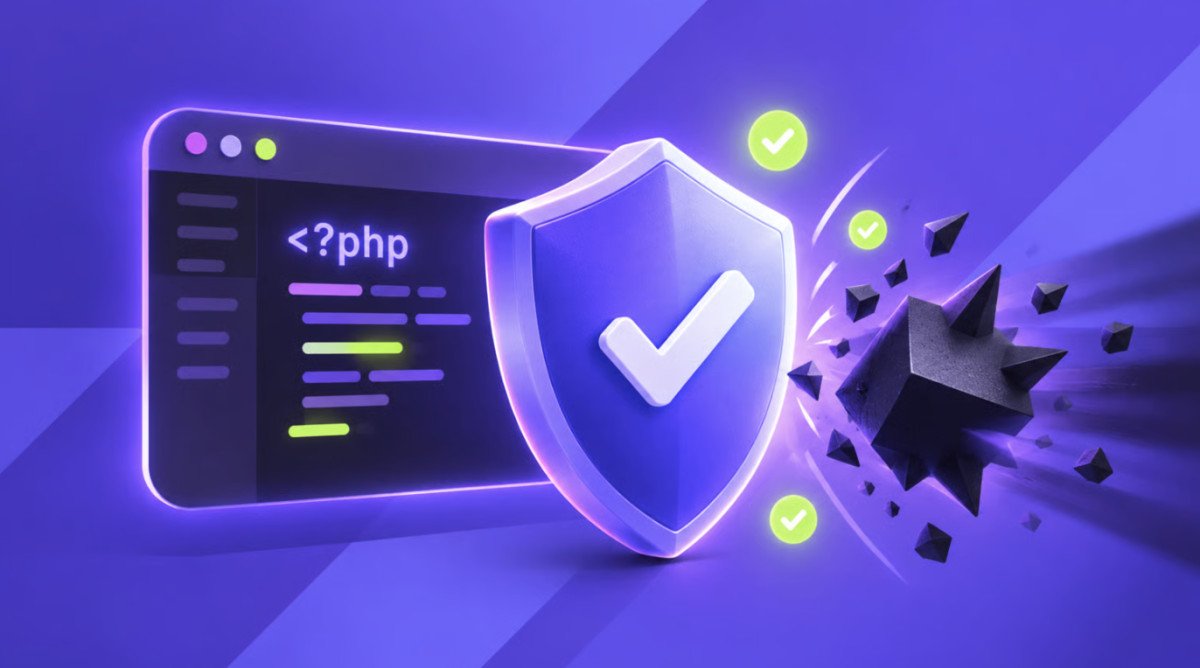
Website security is becoming increasingly important as cyberattacks, software vulnerabilities and attempts to access sensitive information continue to pose risks to businesses and website owners.
Whether you run a small business website, an online shop, a community platform or a news website such as SalisburyPost.co.uk, taking the right precautions can help protect your website, your visitors and your business reputation.
A website does not have to be large to become a target. Automated attacks can scan thousands of websites looking for outdated software, weak passwords and security vulnerabilities that could allow unauthorised access.
Here are some essential steps every website owner should consider to improve their website security.
Keep Your Website Software Updated
One of the most important steps in website security is keeping your software up to date. Websites built with PHP, content management systems, frameworks, themes and plugins can become vulnerable when security flaws are discovered.
Developers regularly release updates to fix these weaknesses. Installing security updates promptly helps reduce the risk of attackers exploiting known vulnerabilities.
For example, critical PHP vulnerabilities disclosed in October 2026 highlighted the importance of updating the underlying software that websites depend on. Updating a website's design, theme or plugins alone will not necessarily fix a vulnerability in the PHP software running on the server.
Website owners should check which PHP version their hosting environment uses, install supported and patched versions, and test compatibility before upgrading production websites.
Use Strong Passwords and Two-Factor Authentication
Weak passwords remain a common security risk. Website administrators should use long, unique passwords that are not shared with other services.
Where available, enable two-factor authentication (2FA). This adds another verification step when someone attempts to sign in, helping protect accounts even if a password is compromised.
Avoid sharing administrator accounts between employees or contractors. Give each person their own account and remove access when they no longer need it.
Choose Secure Website Hosting
Your hosting provider plays an important role in protecting your website. Reliable hosting should offer appropriate server security, regular software maintenance, firewall protections and a clear process for responding to security incidents.
Before choosing a provider, check what security measures are included in your plan. Managed hosting may take care of certain server updates automatically, while a virtual private server (VPS) may require you to maintain the operating system, PHP and other server software yourself.
Website owners should understand which responsibilities belong to the hosting provider and which they must manage themselves.
Install and Maintain an SSL Certificate
An SSL/TLS certificate enables HTTPS, encrypting information exchanged between a visitor's browser and your website.
HTTPS is particularly important for login pages, contact forms, online payments and websites that handle personal information. It also helps visitors recognise that their connection is encrypted.
Check that your certificate is valid, renew it before it expires and ensure that your website redirects visitors from HTTP to HTTPS where appropriate.
However, HTTPS alone does not make a website completely secure. It protects data in transit but does not prevent every type of cyberattack or fix vulnerable software.
Back Up Your Website Regularly
A recent backup can make recovering from a cyberattack, accidental deletion or technical failure much easier.
Website owners should back up their website files and databases regularly, with the frequency depending on how often the website changes. A busy online shop or news website may need more frequent backups than a simple brochure website.
Where possible, keep backups separate from the main hosting account and ensure that they cannot easily be altered or deleted by an attacker who gains access to the website.
It is also important to test restoring a backup. A backup that cannot be recovered when needed offers little protection.
Use a Firewall and Monitor Suspicious Activity
A web application firewall (WAF) can help identify and block malicious requests before they reach a website application.
Depending on the configuration, firewall rules may help prevent common attacks, including attempts to exploit known vulnerabilities, inject malicious input or access restricted areas.
Website owners should also monitor login attempts, unexpected file changes, unusual traffic patterns and security alerts from their hosting provider.
Firewalls are an additional layer of protection rather than a complete solution. Attackers may change their methods, so vulnerable software must still be updated.
Protect Contact Forms and File Uploads
Contact forms and upload features can introduce security risks if they are not configured correctly.
Forms should validate submitted information on the server, limit unnecessary input and use appropriate protections against automated abuse. File uploads should be restricted to the file types and sizes genuinely required by the website.
Uploaded files should be checked carefully, stored safely and prevented from executing as server-side code where possible. Website owners should disable upload functionality that is not needed.
These precautions can reduce opportunities for attackers to submit malicious files or exploit weaknesses in website applications.
Limit Administrator Access
Not everyone who works on a website needs full administrator permissions.
Use the principle of least privilege by giving users only the access necessary for their responsibilities. Restrict access to hosting control panels, databases, administrative pages and server management tools.
Remove unused accounts, review permissions regularly and avoid leaving old developer or contractor accounts active indefinitely.
For sensitive administrative systems, consider additional protections such as IP restrictions, secure remote access and separate administrative accounts.
Keep Your PHP Version and Server Configuration Secure
Websites that rely on PHP should use a supported version with the latest applicable security fixes.
When a vulnerability is discovered, check official PHP security announcements and confirm whether the version running on your server is affected. Apply the appropriate patched release and restart the relevant services when required by the update process.
If you manage a VPS yourself, you are generally responsible for maintaining PHP and other server components unless your service agreement states otherwise. Managed hosting may handle some of these tasks automatically.
Avoid relying solely on a firewall rule or a temporary configuration change when an official security update is available. Protective rules can reduce immediate risk, but installing the correct patch is the preferred way to address the underlying vulnerability.
Make Sure Your Website Complies with Data Protection Requirements
If your website collects personal information, you should consider how that data is stored, accessed, retained and protected.
Collect only the information you need, restrict access to sensitive records and ensure that third-party services handling personal data are appropriately assessed.
UK businesses should also consider their obligations under applicable data protection law, including the UK GDPR and the Data Protection Act 2018.
A clear privacy policy, appropriate access controls and a plan for responding to potential data breaches can help support responsible website management.
What Should You Do If Your Website Is Hacked?
If you suspect your website has been compromised, act quickly.
Contact your hosting provider or security specialist, preserve relevant logs and investigate how the attacker gained access. Change compromised passwords and revoke suspicious sessions or access tokens from a trusted device.
Where necessary, isolate the affected website to prevent further damage. Remove malicious files, patch the vulnerability and restore clean backups only after addressing the cause of the incident.
If personal data may have been compromised, assess your legal reporting obligations and notify affected individuals or the relevant authorities where required.
Simply removing suspicious files without fixing the underlying weakness could leave your website vulnerable to another attack.
Website Security Requires Ongoing Attention
Protecting a website is an ongoing responsibility rather than a task that can be completed once and forgotten. Software updates, secure passwords, reliable backups, appropriate hosting and continuous monitoring all contribute to a stronger security position.
For businesses and organisations that depend on their websites, a proactive approach can help reduce downtime, protect customer information and maintain public trust.
Website owners do not need to implement every advanced security measure immediately. Starting with software updates, strong authentication, reliable backups and a clear understanding of hosting responsibilities can make a meaningful difference.
As online threats continue to evolve, keeping informed and responding promptly to security updates remains one of the most effective ways to help protect a website.

Editor & Founder | SalisburyPost Passionate about local journalism, I am dedicated to delivering trusted news and strengthening connections across Salisbury and Wiltshire. Through SalisburyPost, I aim to keep residents informed, celebrate community achievements, and highlight the stories that matter most to local people.
















Comments (0)